Thursday, 22 September 2011
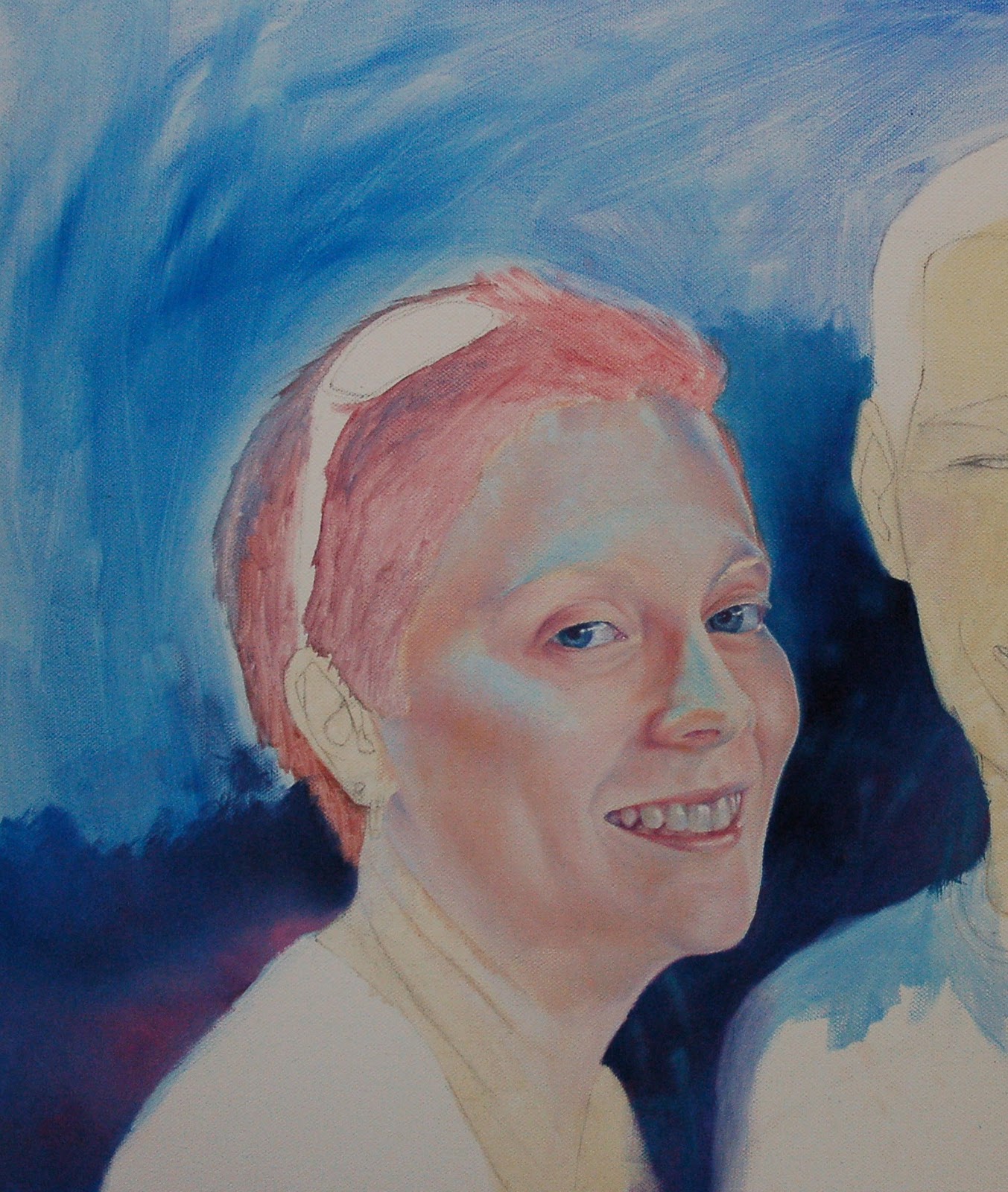
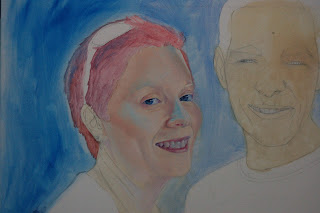
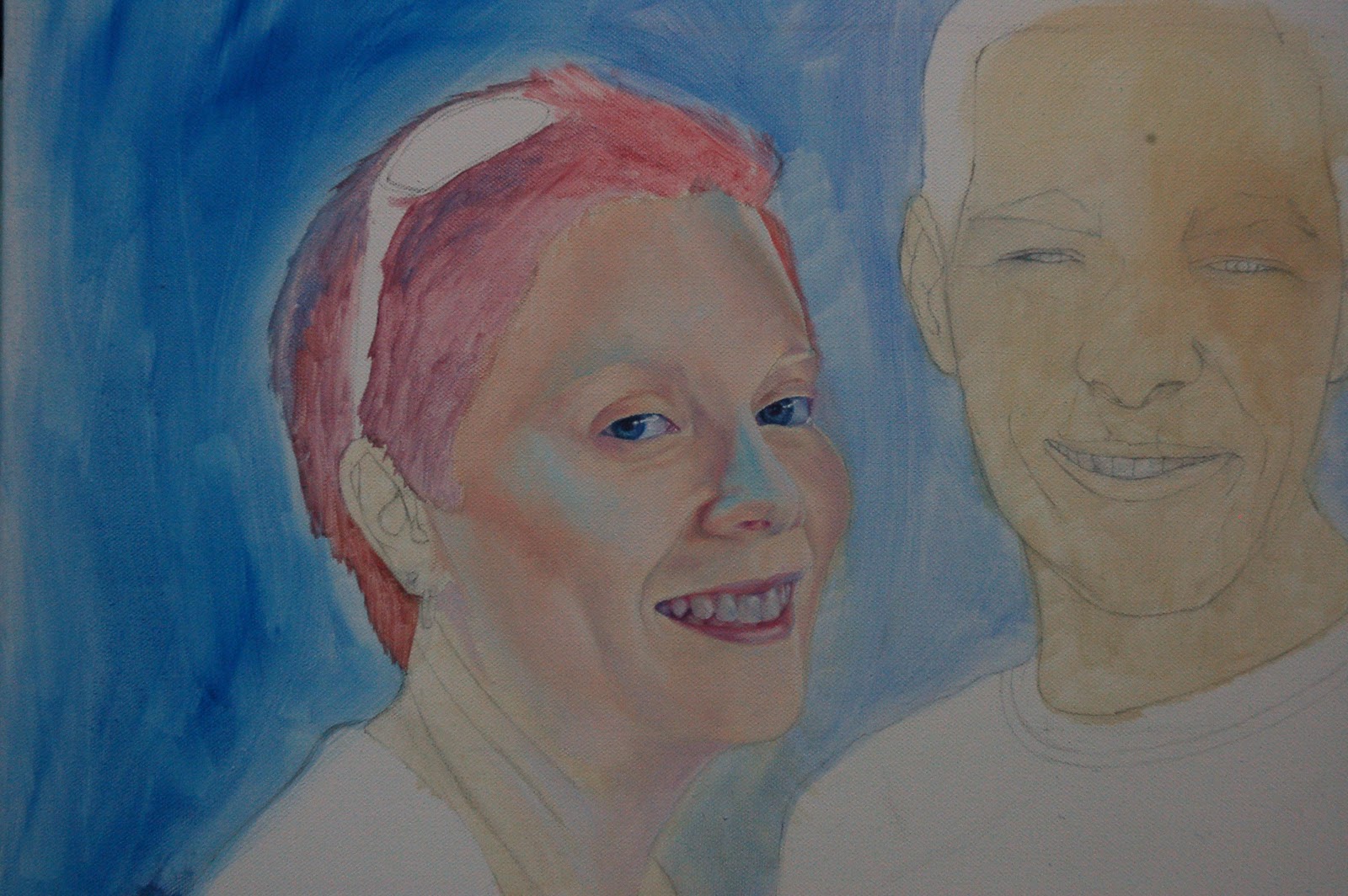
4th Lesson - Portrait
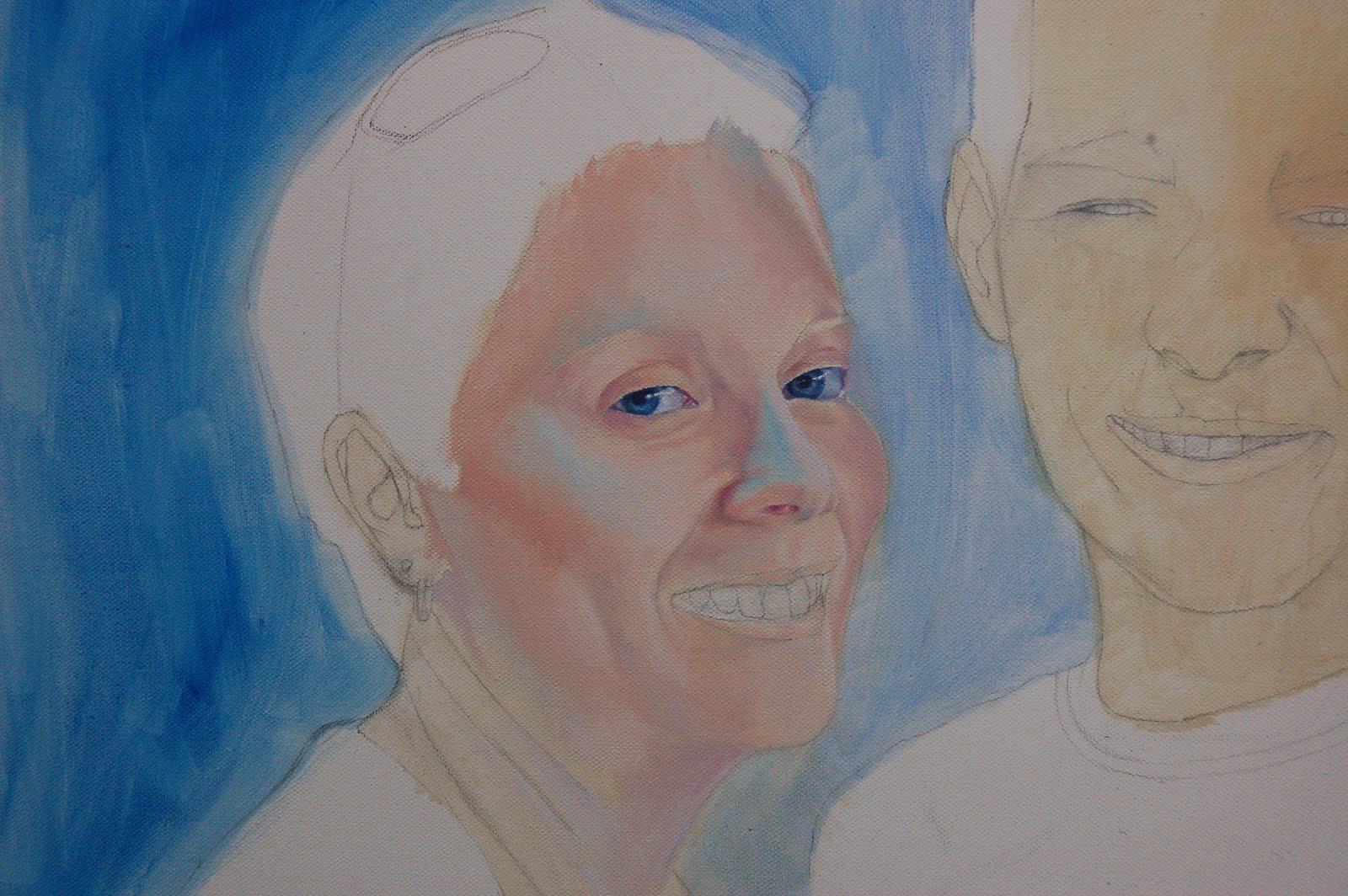
Well here we continued with our skin colours. Shadows were reinforced and highlights added. I added more blues and purples to mine. I then played around with some of my leftover paint and worked on some of the background. I'm still not quite sure what I want for the background yet.

Monday, 19 September 2011
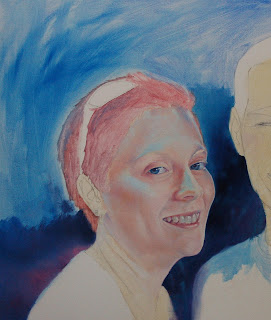
3rd Lesson - Portrait
We had a break from the skin and went on to the teeth and lips. White was first applied to the highlights of the teeth then we added some colour to the white. As each portrait is different it depended on what reflective light was used. In my case I added some soft blues and purples (these colours help to keep the teeth shiny). Skin colour plus a little Ultramarine was used for gums and lips. Lastly the darks were put in with a mix of Ultramarine and Scarlet. So in this instance, we worked from light to dark. We didn't want any dirty coloured teeth! I think they look more human now!
Thursday, 15 September 2011
Lesson No.10 - Vary Colour, Tone and Brushstrokes for Grass

We've been flicking the grass around with a fine brush by using all different shades of
green, starting with the darks first. The grass helps to soften the
line of the house and tree.
Saturday, 10 September 2011
2nd Lesson - Portrait
Skin colour! My daughter has very pale ivory skin but I have added a blue light to the portrait. This whole lesson was spent in mixing the appropriate colours for each person's portrait. Not that easy as some have olive skin, some have swarthy complexions and mine with a blue light! Anyway our base colours were Scarlet, Lemon, Pthalo Green and white. For those with the pale skin, we added some Permanent Rose, and for the olive skin, some Ultramarine Blue. I added Pthalo Blue to my mix. We also had to decide on whether we wanted cool shadows or warm shadows.
Saturday, 3 September 2011
Lesson No.9 - Filling In The Details
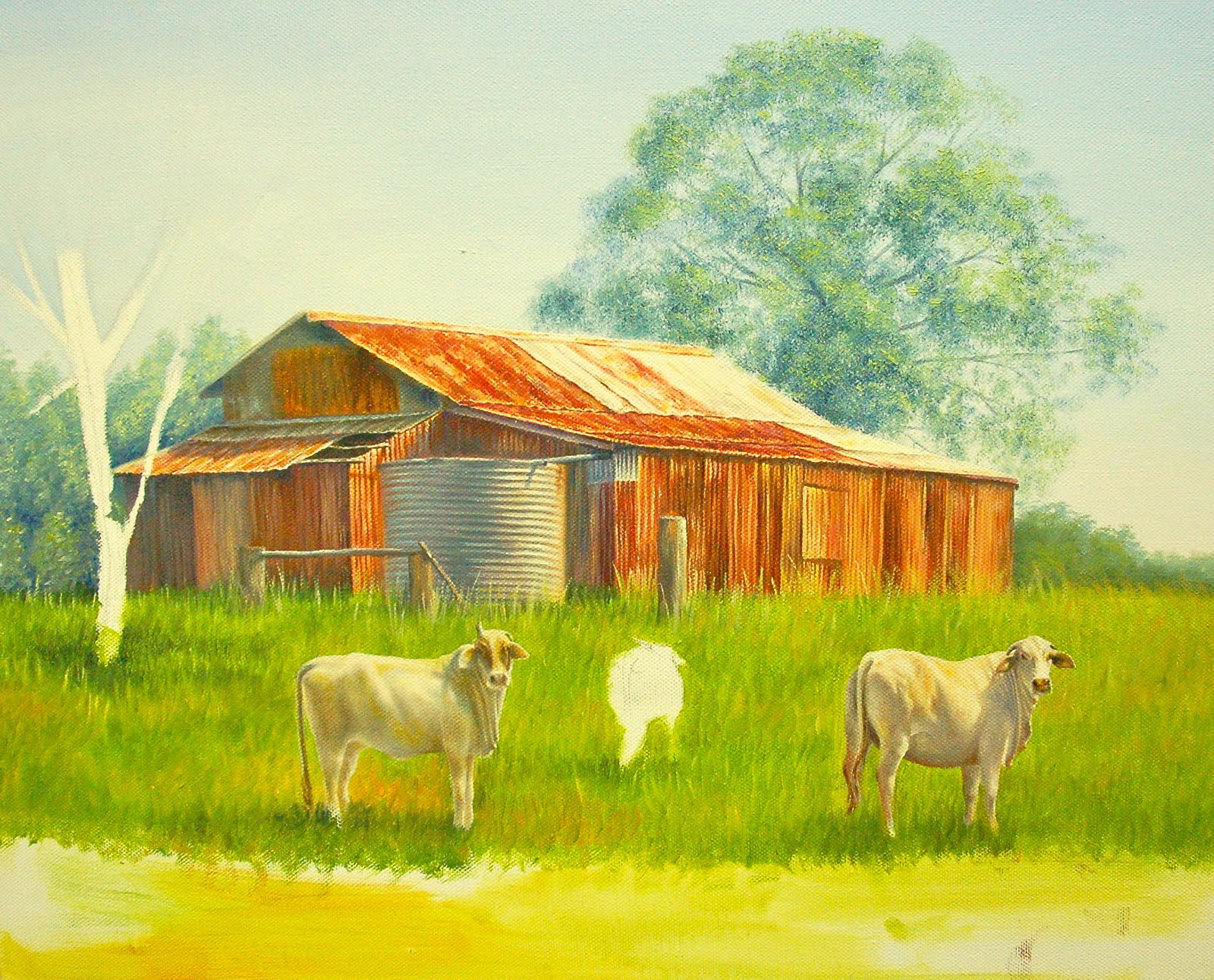
The cows' faces were very detailed because of their size but we used a fine brush and persevered. Here you can add extra highlights and darks for contrast.
Subscribe to:
Posts (Atom)